
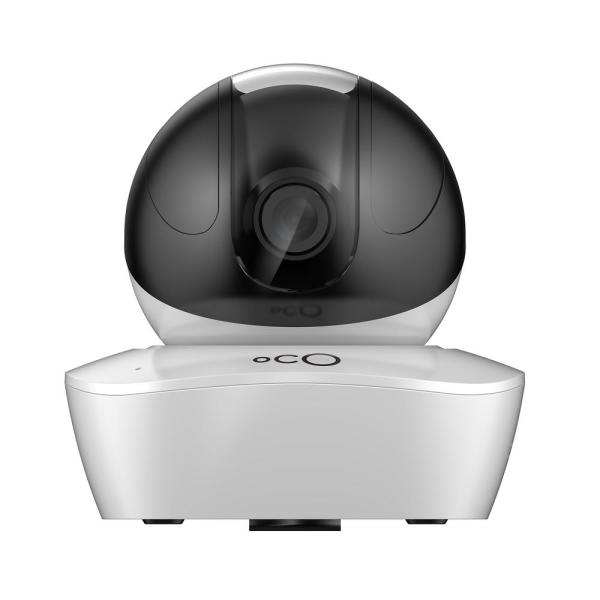
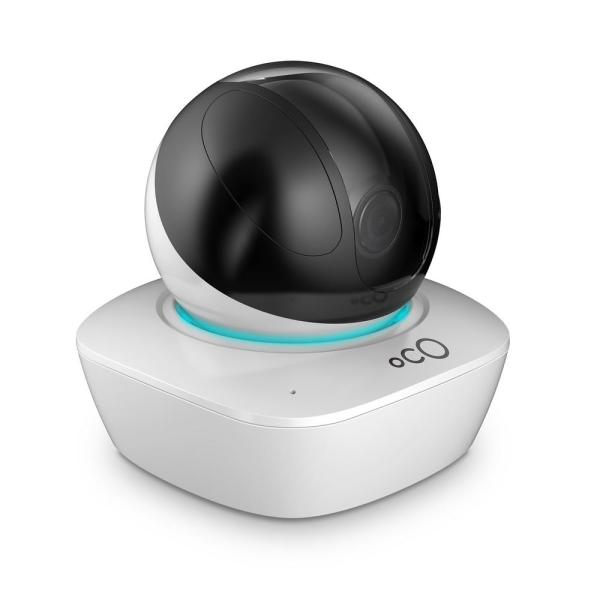
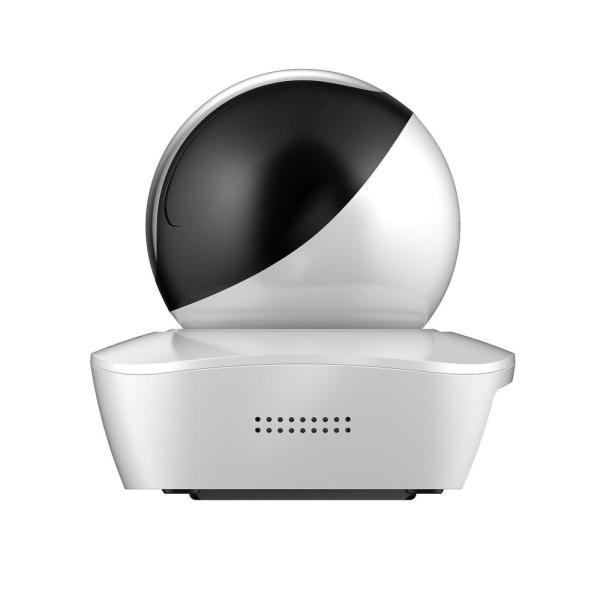
Wireless Connection Indoor Video Surveillance Security Camera with Local and Cloud Storage and Remote Viewing
$92.11
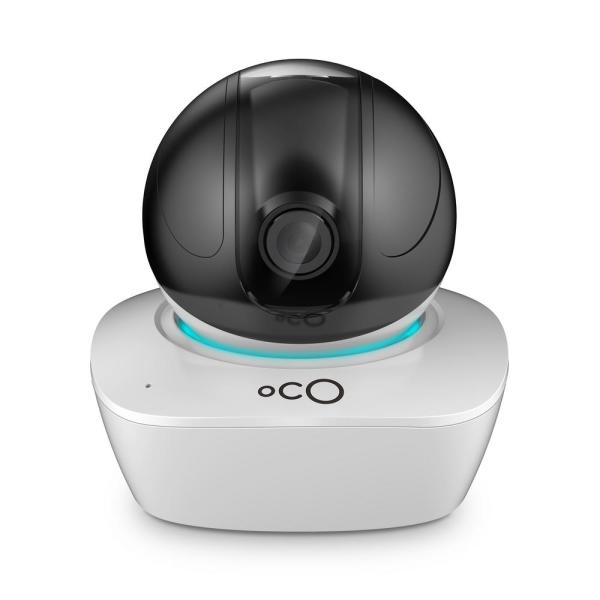
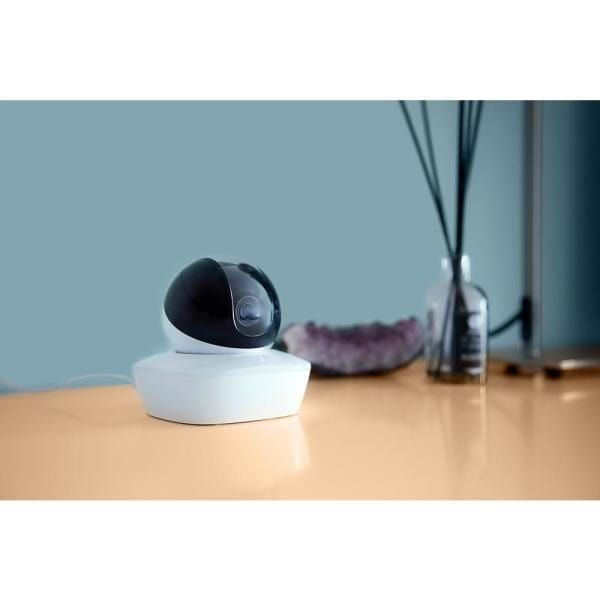
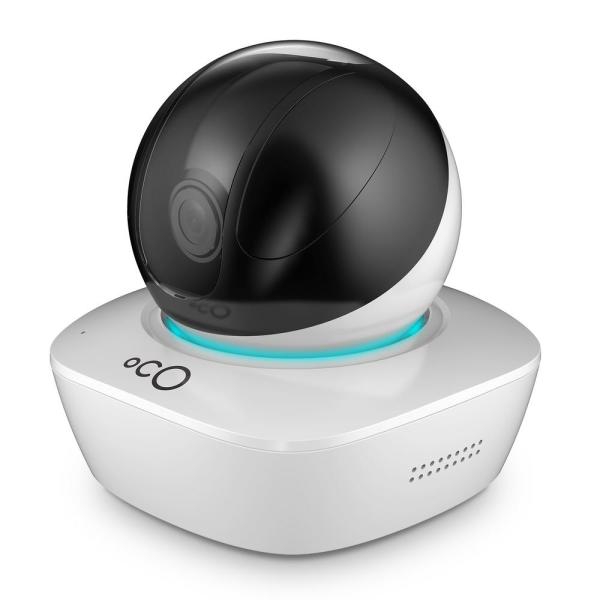
Meet Oco Motion – Simple Pan-Tilt-Zoom Home Monitoring Security Camera with SD Card and Cloud Storage. Pan-tilt your camera remotely with our App. Monitor everything you care about: your home, children, pets, elderly, business, etc. Setup Oco Motion in less than 60-seconds and access high-definition video remotely with our App. No Monthly Fees required to activate all camera features including motion and sound detection, two-way talk and night vision. Use both Cloud and local SD Card storage and never worry about your internet connection going down.
Specification: Wireless Connection Indoor Video Surveillance Security Camera with Local and Cloud Storage and Remote Viewing
| Product Depth (in.) | 4 in |
|---|---|
| Night Vision Distance (ft.) | 30 |
| Product Width (in.) | 5 in |
| Camera Connection | Wireless Cameras |
| Camera Product Type | Standard |
| Camera Resolution | 960p |
| Camera Technology | IP |
| Camera Type | Other |
| Color/Finish | White |
| Features | 2-Way Intercom Camera,Audio Recording,Built-in Speaker,Day/Night Mode,Infrared,Microphone,Motion Activated,Night Vision,Recordable,Remote Access,Smartphone Compatible,Wall Mountable,Wide-Angle,Zoom |
| Field of View | 360 Degrees |
| Image Sensor Type | CMOS |
| Included | Cables,Mounting Hardware |
| Indoor/Outdoor | Indoor |
| Product Height (in.) | 4 in |
| Pack Size | 1 |
| Number of Cameras Included | 1 |
| Power Options | Hardwired,USB Connector |
| Product Weight (lb.) | 1 lb |
| Recording Storage | Cloud,SD Card |
| Remote Access | Remote Access |
| Requires Hub? | No Hub Required |
| Returnable | 90-Day |
| Shape | Dome |
| Smart Home | Smart Home Enabled |
| Smart Home Protocol | Wi-Fi |
| Video Signal | Digital,HD |
| Voice Control Hub Required | Voice Control via Proprietary App |
| Works With | Proprietary App |
| Manufacturer Warranty | 1 year |
10 reviews for Wireless Connection Indoor Video Surveillance Security Camera with Local and Cloud Storage and Remote Viewing
Add a review
Related Products


horsin –
I have two other security cameras on my network at home. I really wanted to like this one because it has more features, but it will not connect to my home network. The app installed fine on my phone, the camera scans the code, and the light turns red telling me to start over. After several failed attempts, I tried online and got some different instructions. Still nothing. I am not willing to waste any more time on this cute paperweight.
Anonymous –
This is a nice well-built camera; it was fairly easy to install, and the picture is very clear. It has a tilt and Pan feature, also picks up movement and you can also set it to just monitor and it will send you a notification to your phone, computer, or iPad. I had a little problem when setting up the first time and misspelled my web mail address. Contacting the service department, they had me up and running with just a few extra steps to reset up the camera with the correct settings and password.
huffstuff –
This Oco Motion HD Pan and Tilt Wireless Security Camera works perfectly for my needs. There is a slot for Micro SD Card storage and a purchase plan for Cloud Storage. You can PAN & TILT Remotely using the Oco App. I will say that there is a delay in the pan from the app and the PC interface. The unit has Smart MOTION and SOUND DETECTION capabilities as well as TWO-WAY TALK. Setup was easy and I like this product.
JSpro –
This camera is great for folks who have security in mind. This camera besides the great quality video has the ability to pan up and down and side to side. It also has the ability to record with an SD slot that you would have to purchase. Recording is also available in a cloud format thur a subscription service. It also has a feature so you can talk through a provided speaker in the base and you will be able to hear someone response. There is a short response time in panning the camera but that’s to be expected you should be able to view the camera and panning around using your data stream from your cell phone, you will be able to use Apple or Android for this device. The provided cord to power the camera came with a 19 foot plus cord that needs to be plugged into a wall outlet, there is a provided adapter for the wall outlet with a USB port on the other side my provided power supply did not function though I was able to use the USB outlet in my apartment. The quality of the video is very good once you download the app from the play Store you will find that there are plenty of features to operate this camera, there is also a setting for night vision. And setting up the camera it took approximately 5 minutes for the camera to recognize the Wi-Fi very simple. When the camera is tilting and panning it is very quiet. There is also a mounting plate in case you wanted to mounted on a wall instead of sitting in on a flat surface.
Yoyo –
I really love this camera. I bought 4 wireless Bluetooth cameras before keep losing connection. This is way better and it has voice as well. The only down side for me is I have it in my kitchen pointing at my front door. Its summer time kids are out and main traffic place is the kitchen. You get motion emails when its by the cameras so I’m getting a lot of motion in my kitchen emails. Glad summer is over for the kids in 2 weeks, other than that i love it.
Julie –
Was looking for a simple camera without the major price tag of the more popular brands. This one was looked the decent and the reviews were pretty good. It really is as simple as I needed it to be. I downloaded the app and set it up, did not have much difficulty there. The app was a little harder to maneuver, but after a little bit of time, my camera was setup. Obviously one could get a subscription like many others, that have lots of other features, but I didn’t need it. The quality of the images are very good, however there is a slight lag when the camera catches and it feeds to the app, but it’s not a horrible pause.
EricG –
This has to be the best security camera system that I have used. The image quality is excellent both for still images and video, even in night vision mode. Installation was easy using my smart phone and the QR code provided. The camera has a remote pan and tilt feature, although the field of view is so large that it will seldom be needed.
The camera also has a two way talk feature which would likely intimidate any intruders and hasten their departure. My only criticism is that there is some lag on the video, but that may in part be due to the poor rural internet service that we have.
EM –
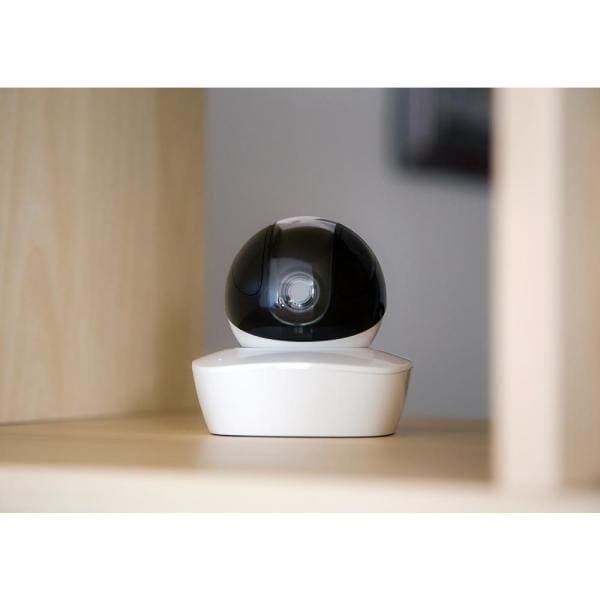
The setup for the ocO wireless indoor video surveillance security camera was a breeze. I placed the camera on my bookshelf overlooking my door entry and windows. All you need is a power outlet and to download the app and you are ready to go. If you set the notifications on you will get a notification every time the sensor is triggered, but you can always turn it off. The video is very clear on my phone both during the day and at night and also when you zoom in. There is no monthly fee if you chose and you can store data on a micro SD card and cloud storage.
gqsir –
The wireless connection indooor video Surveillance security camera with local and cloud storage and remove viewing is a good little camera. It produces good pics and video , has night vision and clear day vision as well , one of the few cameras i have seen that also has cloud storage for free for 5 days and for a fee you can get extended cloud storage of your photos. it sends you notifications of all motion it senses and pics it takes. both to your computer and your phone. It is wireless to your phone but does have a 10ft electric connection what powers the camera . It is supposed to be able to move the lens but so far have not been able to figure out how to move it other than a full 180 degree switch , it comes with clips to hang from ceiling if you like as well. says 60 sec set up , but that is not so , it takes longer. Does not come with SD card , it must be purchased separately. has 2 way talk and live recording as well. picture quality is very clear .
RLT –
We were thrilled to get this camera. We have 3 dogs that stay home a lot. We were excited that we could see what they were doing. First thing, taking it out , its really cute. Downloading the app was easy. Connecting the camera was another story. Spent more than a half hour just to get a light out of it. Walk a way. Come back. Can’t get the light going. An hour later still can’t connect it to our internet or the app. Don’t work for us. Gave up on the camera. Will not work for us.